
If you’ve ever wondered how Upwork works, you’re not alone. With thousands of freelancers signing up daily, Upwork has become one of the most trusted platforms for finding remote work and building a freelance career.
In simple terms, Upwork connects freelancers with clients who need services ranging from writing and design to marketing and web development. All services are handled safely through its secure system.
This Upwork beginner’s walkthrough breaks everything down step-by-step. Whether you’re just starting or looking to earn consistently online, this guide will help you finally make sense of how Upwork truly operates.
What Is Upwork
Upwork is a global freelance marketplace that connects skilled professionals with clients looking for digital services. It’s a platform where freelancers offer skills like writing, design, marketing, programming, and more while clients post jobs and hire directly from anywhere in the world.
Think of it as a bridge between businesses that need work done and freelancers who can deliver. Upwork provides the tools to create profiles, showcase portfolios, submit proposals, communicate with clients, and get paid securely.
Whether you’re a writer in Lagos or a web developer in London, Upwork gives you access to global job opportunities without leaving your home.

How Does Upwork Work?
Upwork works by connecting freelancers and remote workers with clients who need professional services online. It’s a structured marketplace where clients post jobs, freelancers send proposals, and both parties collaborate through a secure platform that manages contracts, communication, and payments.
Here’s the simple breakdown: clients create job listings, freelancers apply with proposals showcasing their skills and rates, and once hired, all work and payments go through Upwork’s built-in system.
The platform uses escrow protection to hold funds until the freelancer completes the job. It ensures trust on both sides. Upwork works by creating a safe, reliable space for remote work where freelancers can build long-term careers and clients can find verified talent without risk.
How Do You Create an Upwork Account the Right Way?
You create an Upwork account the right way by signing up with accurate details, choosing your main skill category, and completing your profile with a professional photo, strong title, and clear description. Your Upwork profile is your first chance to impress clients and stand out among other remote freelancers.
Here step-by-step guide to create an Upwork account the right way:
- Sign up and verify your email: Go to Upwork, choose “I am a freelancer,” and create your account with your legal name and an active email. Verify the email so you can access your profile dashboard.
- Pick your core category and niche: Select the main service you will offer, then narrow down to a clear niche. This helps Upwork recommend relevant jobs and improve your match quality.
- Set a professional photo, title, and overview: Use a clear headshot, write a specific value-focused title, and craft a short overview that explains your expertise, results, and target client. Keep it client-centered and easy to scan.
- Add a focused portfolio: Upload 3 to 6 real samples that show before and after impact, your role, and outcomes. If you are new, create practice projects that mirror real client work.
- List relevant skills and keywords: Add 10 to 15 skills that match your niche and services. Use terms clients actually search for to improve profile discovery.
- Complete work history and education: Include roles, responsibilities, and measurable results for past jobs. Add certifications or courses that support your service offering.
- Set a sensible hourly rate: Research typical rates in your niche and start with a competitive but sustainable rate. You can adjust upward as your reviews and demand grow.
- Choose availability and profile visibility: Set your weekly hours, timezone, and public visibility. Public helps you get invites from clients searching for talent.
- Enable ID verification when prompted: Complete identity checks quickly to unlock full account features. Verified profiles earn more trust with clients.
- Configure payment method and tax info: Add a withdrawal method and complete tax forms in your settings. This prevents delays when you get your first payout.
What Happens After You Set Up Your Upwork Profile?
After you set up your Upwork profile, you gain access to the Upwork job feed, which is a real-time list of freelance opportunities tailored to your selected skills and categories. This is where most new freelancers begin actively searching for jobs and submitting proposals to clients.
Upwork’s algorithm will start evaluating your activity, including how often you apply, your profile strength, and how clients interact with your proposals. You’ll also receive job recommendations based on your niche, and as you improve your engagement, you’ll become more visible in client searches.
This early stage is all about building momentum, optimizing your pitch, and aiming to land your first freelance job on Upwork, which unlocks even more platform features and trust.
How Do You Find Jobs on Upwork as a Beginner?
You find jobs on Upwork by browsing the Upwork job feed, filtering for your niche, and sending custom proposals to clients who need your exact skill. Use keywords relevant to your services, like “SEO blog writer,” “WordPress developer,” or “virtual assistant for busy CEOs.”
As a beginner, you should focus on entry-level or fixed-price jobs with clear descriptions and verified clients. Set your filters to “Client Payment Verified,” “Entry Level,” and sort by “Newest.” Save job searches, apply quickly, and personalize every proposal to show you actually read the client’s needs. This is how you start getting noticed, even with no Upwork history.
How Do Upwork Proposals and Connects Work?
Upwork proposals are your way of pitching to clients; each proposal is a message where you explain why you’re the best fit for their project. To send a proposal, you need Connects, which are Upwork’s internal credits used to apply for jobs.
Each job listing costs 2 to 6 Connects, depending on the project size, and new freelancers get free Connects monthly. A strong proposal includes a personalized greeting, a clear response to the client’s needs, and a short call to action.
When clients respond or shortlist you, Upwork may refund your Connects. To maximize your chances, only apply to jobs you’re qualified for, write clear value-driven pitches, and track what types of proposals get replies.

How Do You Get Your First Client on Upwork?
You get your first client on Upwork by creating a strong, client-focused profile, applying for entry-level jobs that match your skills, and sending customized proposals that directly solve the client’s problem. Your first goal is not to earn big, but to build trust, earn your first review, and start building momentum.
Look for jobs with “Payment Verified,” short deadlines, and clear deliverables. When writing your proposal, don’t just talk about yourself. Talk about the client’s project. Use their language, address their pain points, and offer one simple solution you can deliver fast.
Many beginners land their first client by delivering a small job excellently. That one win can open the door to consistent work and client invites on Upwork.
What Is Escrow and How Does Upwork Protect Freelancers?
Upwork uses an escrow system to protect freelancers and ensure they get paid for completed work. When a client hires you for a fixed-price project, they must first fund the milestone, meaning the money is held in escrow before you start working.
This guarantees that once you submit your work and the client approves it, Upwork releases the payment to you. For hourly projects, Upwork’s Work Diary tracks your time, and payments are automatically billed to the client weekly, as long as you log hours properly.
Escrow gives freelancers peace of mind and is one of the biggest reasons Upwork is considered a safe freelance platform for both beginners and experienced professionals.
How Are Payments Made on Upwork?
Payments on Upwork are made directly to your chosen withdrawal method after a project is completed and approved. You can get paid via local bank transfer, Payoneer, PayPal, or wire transfer, depending on your country and preference.
For fixed-price jobs, payments are released from escrow once the client approves the submitted milestone. For hourly jobs, Upwork automatically bills the client every Monday and releases payment to you by the following Wednesday, as long as your hours were logged using the Upwork Time Tracker.
All payments are held for a standard 5-day security period before you can withdraw, ensuring platform safety and processing.
What Fees Does Upwork Charge Freelancers?
Upwork charges freelancers a sliding service fee based on their lifetime earnings with each client.
Here is a breakdown of the fees Upwork charges freelancers:
- 20% on the first $500 billed to a client
- 10% on total billings between $500.01 and $10,000
- 5% on amounts over $10,000
This means the more you earn from a single client, the less you pay in fees. The service fee is automatically deducted from your earnings, so you see the net amount in your reports. In addition, there may be small withdrawal fees depending on your payout method (e.g., PayPal or bank transfer).
While the Upwork fees may seem high at first, they cover platform security, escrow protection, dispute resolution, and access to a global client base.
How Do You Build a Strong Reputation on Upwork?
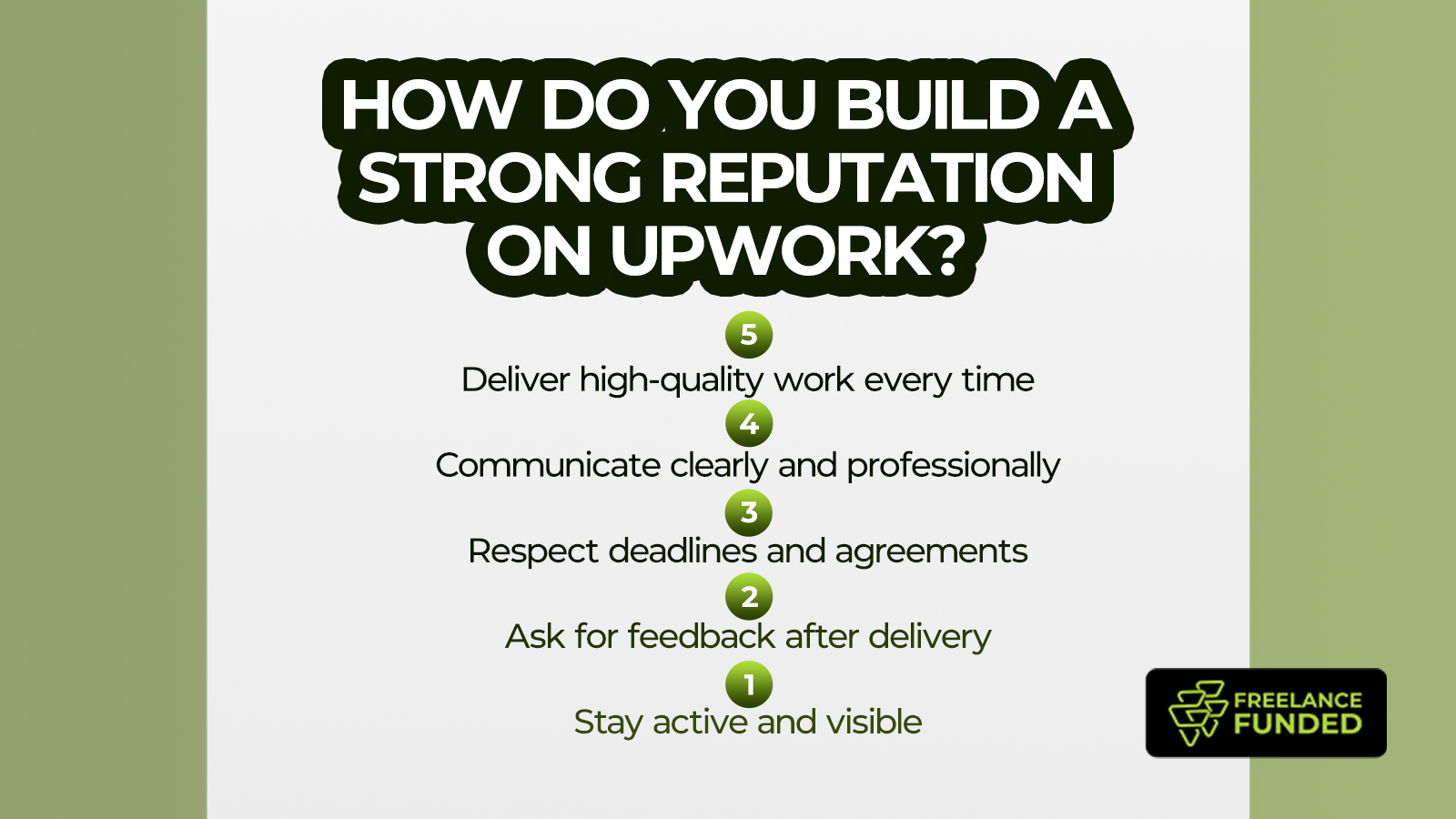
You build a strong reputation on Upwork by delivering high-quality work, communicating professionally, and consistently meeting deadlines. Over time, this earns you positive reviews, a rising Job Success Score, and more visibility in client searches. Your profile rise leads to invites, repeat clients, and long-term growth on the platform.
Here is how to build a strong reputation on Upwork:
- Deliver high-quality work every time: Your work is your brand. Meeting expectations (or exceeding them) leads to positive reviews that boost your Job Success Score and client trust.
- Communicate clearly and professionally: Respond promptly, set realistic timelines, and keep clients updated. Good communication is the reason clients return, even more than flawless work.
- Respect deadlines and agreements: Nothing hurts your profile like missed deadlines or broken promises. Reliability is a major factor in getting 5-star ratings and Upwork’s Rising Talent or Top Rated badges.
- Ask for feedback after delivery: Don’t be afraid to kindly request a review. Positive feedback builds your public reputation and helps you stand out to future clients.
- Stay active and visible: Regularly apply to jobs, update your profile, and complete projects. The more active and consistent you are, the more the Upwork algorithm favours your profile in searches.
What Mistakes Should Beginners Avoid on Upwork?
The mistakes beginners should avoid on Upwork include sending copy-paste proposals, setting unrealistic rates, and applying to every job without reading the brief. These habits hurt your chances of landing clients and make you blend in with thousands of other freelancers who never get hired.
Here are the 5 most common mistakes beginners should avoid on Upwork:
- Using generic, copy-paste proposals: Clients can tell when your message is mass-produced. Always tailor your proposal to the specific job post and client needs.
- Setting unrealistic rates (too high or too low): Charging too much without a proven track record scares off clients, while charging too little undervalues your work and attracts low-quality jobs.
- Applying to every job without reading the brief: This leads to mismatched expectations, poor client experiences, and possible bad reviews. Only apply to jobs you understand and are truly qualified for.
- Ignoring profile setup and optimization: An incomplete or messy profile makes clients skip you. Take time to craft a compelling title, description, and portfolio before applying.
- Failing to follow Upwork’s rules: Taking clients off the platform or ignoring client messages can lead to account warnings or suspension. Always stay professional and follow the terms of service.
How Can You Grow from Small Gigs to Long-Term Upwork Clients?
You grow from small gigs to long-term Upwork clients by building trust, delivering consistent value, and staying in touch even after a project ends. Long-term client relationships don’t start with big contracts; they grow from doing the small jobs well and making it easy for clients to rehire you.
Start by exceeding expectations on every task, no matter how small. Communicate clearly, deliver ahead of deadlines, and suggest next steps when appropriate. Once a project ends, follow up professionally and let the client know you’re available for future work.
Over time, this leads to repeat contracts, ongoing retainers, and clients who refer you to others, all within the Upwork platform.
Is Upwork Worth It for Beginners in 2025?
Yes, Upwork is absolutely worth it for beginners in 2025. People who commit to learning the platform, positioning themselves strategically, and approaching freelancing like a business benefit from it greatly. It offers global exposure, flexible remote work opportunities, and a proven path for building a professional freelance career.
Conclusion
Upwork isn’t a quick fix. It’s one of the most powerful platforms for remote work if you use it right. Everything you need to succeed is already there: the clients, the tools, and the opportunities. What’s missing is the strategy to stand out, get noticed, and actually start earning.
If you’re tired of guessing your way through proposals, wasting Connects, or watching others get hired while you struggle, it’s time to stop winging it.
Join the Upwork Millionaire Blueprint (UMB). My step-by-step course is designed to help you build a client-attracting profile, master high-converting proposals, and land your first (and next) high-paying client on Upwork.