
Thinking of leaving Upwork? Whether you’re shifting careers, moving to another freelance platform, or just taking a long break, it’s important to know how to delete your Upwork account the right way, without losing important data or violating any terms.
This step-by-step guide will walk you through everything: why freelancers choose to delete their accounts, what happens after deletion, and how to protect your profile history before closing it for good. If you’re ready to make a clean exit, this article ensures you do it safely, securely, and with zero loose ends.
Why Would Someone Want to Delete Their Upwork Account?
Someone would want to delete their Upwork account because of low job success, inconsistent income, or a decision to explore Upwork alternatives like Fiverr, Toptal, or direct client work. While some freelancers find success on the platform, others struggle to get visibility, face high competition, or simply outgrow the platform’s model.
Other common reasons to delete an Upwork account include switching careers, no longer freelancing, wanting to start over with a fresh profile, or dissatisfaction with Upwork’s fees or policies. Whether it’s about taking a break or making a clean exit, why you delete Upwork often comes down to whether the platform still aligns with your long-term goals.
What Should You Know Before Deleting Your Upwork Account?
The things you should know before deleting your Upwork account include the permanent loss of access, the inability to recover your profile data, and certain account deletion requirements that must be met.
Many freelancers don’t realize that once your account is closed, your full work history, earnings, messages, and client relationships are gone — and Upwork does not store that data for future reactivation.
You should also know that if you try to return later, creating a new account with the same identity may violate Upwork’s terms, unless you have explicit permission. In some cases, it’s smarter to pause or hide your profile rather than delete it completely.
Understanding what happens if you delete your Upwork account is essential so you can make an informed decision that won’t impact your freelancing future.
Can You Delete Your Upwork Account If You Have Ongoing Contracts or Pending Payments?
No, you cannot delete your Upwork account if you have ongoing contracts or pending payments. Upwork requires that all contracts be closed, all payments cleared, and your balance fully withdrawn before account deletion is even possible.
If you’re currently working with a client or waiting for funds to be released from escrow or hourly billing, the system will prevent you from closing your account. This rule exists to protect both freelancers and clients from unresolved disputes or lost payments.
So before you delete your Upwork profile, you’ll need to wrap up all active work and ensure your financials are settled.
How to Back Up Your Data Before Deleting Your Upwork Account
To back up your data before deleting your Upwork account, you should manually download important information such as your work history, earnings reports, messages, and portfolio items. This ensures you still have proof of experience if you plan to freelance elsewhere or apply for remote jobs.
Here are the steps to back up your data before deleting your Upwork account:
- Download your work history: Go to “My Jobs” or your profile and copy important contracts, client feedback, and job details for your personal records.
- Export earnings and transaction reports: Visit the “Reports” tab and download your earnings history, transaction summaries, and invoices for tax or portfolio use.
- Save proposal and message threads: Open important conversations and copy or screenshot messages that show your communication, project scope, and agreements.
- Backup your portfolio content: Re-upload or save any visual work samples, case studies, or writing clips you’ve added to your Upwork portfolio.
- Record your Upwork metrics: Take screenshots of your Job Success Score, badges (like Rising Talent or Top Rated), and overall profile stats before closure.
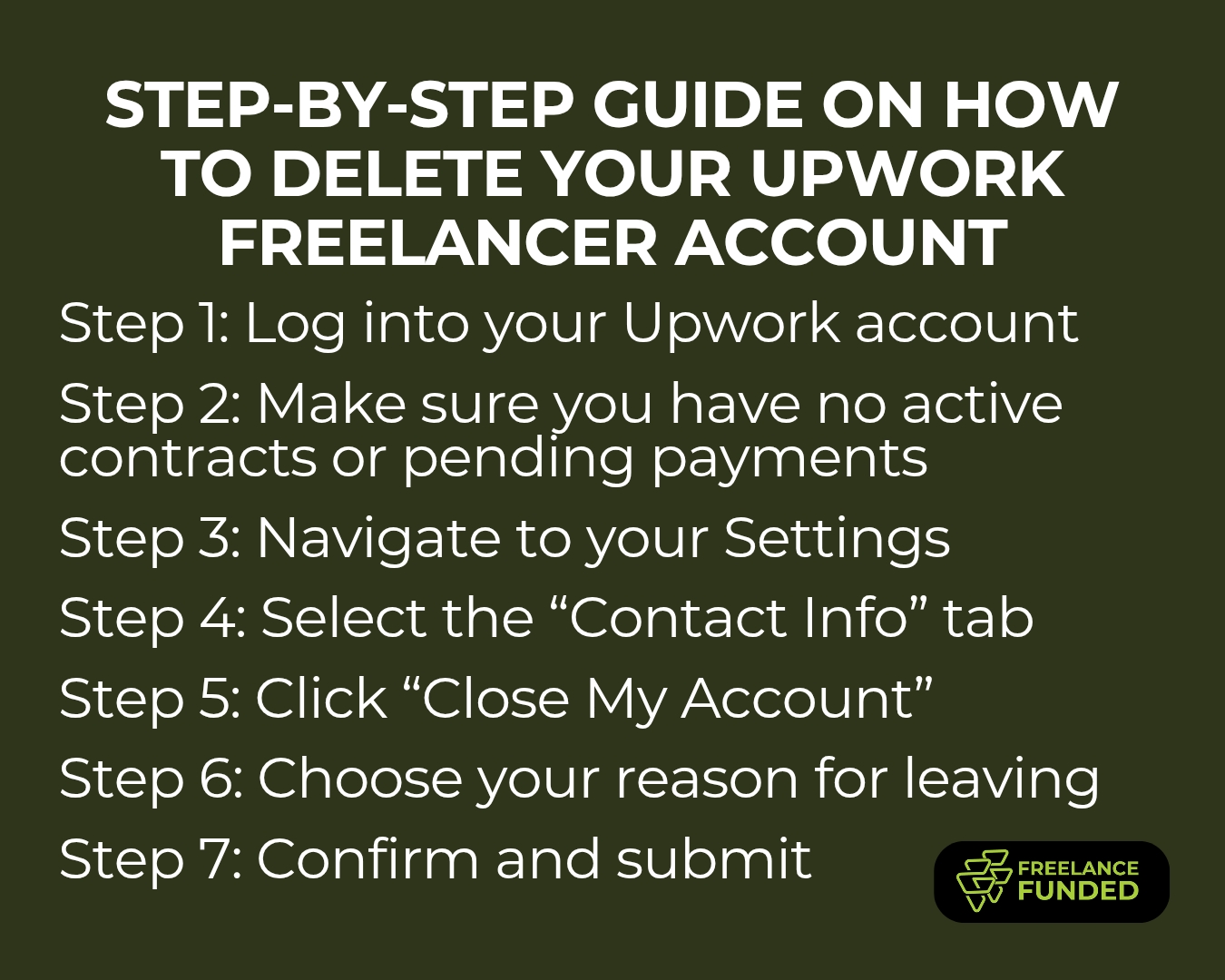
7 Step Guide on How to Delete Your Upwork Freelancer Account
Follow these steps to safely close your Upwork freelancer account:
- Step 1: Log into your Upwork account: Go to upwork.com and sign in using your freelancer credentials.
- Step 2: Make sure you have no active contracts or pending payments: Visit the “My Jobs” and “Reports” sections to ensure all contracts are closed and your balance is zero.
- Step 3: Navigate to your Settings: Click on your profile photo in the top-right corner, then choose “Settings” from the dropdown menu.
- Step 4: Select the “Contact Info” tab: Inside Settings, go to the “Contact Info” section on the left-hand side.
- Step 5: Click “Close My Account”: Scroll to the bottom of the page and click the “Close My Account” button.
- Step 6: Choose your reason for leaving: Upwork will ask why you’re closing your account. Select your reason and provide any additional feedback if prompted.
- Step 7: Confirm and submit: Once you confirm, your account will be permanently closed — you’ll lose access to your profile, proposals, and history.
Step-by-Step: How to Delete an Upwork Client Account
If you’ve been using Upwork to hire freelancers but no longer need the account, here’s how to close it safely:
- Step 1: Log into your client account: Visit upwork.com and sign in using your client credentials.
- Step 2: Ensure all contracts are closed and payments are cleared: Go to your “Jobs” tab and confirm that there are no active contracts or pending invoices. You cannot close the account if anything is still open.
- Step 3: Navigate to “Settings”: Click your profile picture or company name in the upper-right corner, then select “Settings” from the dropdown menu.
- Step 4: Access “Contact Info”: In the left-hand menu of the Settings page, click on “Contact Info.”
- Step 5: Click “Close My Account”: Scroll to the bottom of the Contact Info page and select the “Close My Account” option.
- Step 6: Choose your reason for closing: Pick from the list of reasons Upwork provides, and optionally provide feedback.
- Step 7: Confirm your decision: Once you confirm, your client account will be closed permanently. You won’t be able to post jobs, access your hiring history, or message past freelancers.
Frequently Asked Questions
What Happens After You Delete Your Upwork Account?
Your profile becomes invisible, your data is permanently erased, and you lose access to all Upwork features after you delete your account. This means you can no longer send proposals, access your message history, review past earnings, or recover any part of your profile — even if you change your mind later.
Additionally, your Job Success Score, feedback, work history, and badges (like Top Rated or Rising Talent) are all permanently lost. Upwork does not store this data for reactivation, so deleting your account is final. That’s why it’s important to download any essential information before you take that step.
Can You Reopen a Deleted Upwork Account Later?
No, once you delete your Upwork account, you cannot reopen it. Account deletion is permanent, and Upwork does not allow users to recover their profiles, work history, or client reviews once the account is closed.
If you try to create a new account using the same personal details (name, email, or ID), Upwork may flag it for duplication, which can result in restriction or suspension. That’s why it’s crucial to be sure before deleting, especially if you think you might return to freelancing in the future.
Alternative Options: Should You Deactivate Your Upwork Account Instead of Deleting?
if you’re unsure about leaving permanently, it’s often better to deactivate or pause your Upwork account instead of deleting it. Upwork offers alternatives like setting your profile to “private” or “unavailable”, which hides you from search results and prevents new clients from reaching out, while keeping your data, history, and reviews intact.
You can also stop submitting proposals and simply let your account stay inactive. This way, if you ever decide to return, everything — your Job Success Score, feedback, and client relationships — will still be there. Deactivation gives you flexibility, while deletion is final and irreversible.
Source: YouTube: How to Permanently Delete Upwork Account 2025
Final Thoughts: When Deleting Your Upwork Account Makes Sense (and When It Doesn’t)
Deleting your Upwork account makes sense if you’ve completely moved on from freelancing, switched careers, or no longer want to be part of the platform for personal or professional reasons. If you’re certain you’ll never return, and you’ve backed up your data and closed all active contracts, closing your account is a clean way to move forward.
However, if you’re simply frustrated, on a break, or considering switching niches, you can delete you upwork account safely. However in most cases, pausing is safer than deleting — because once it’s gone, it’s gone for good, especially as Upwork is legit.