Starting as a freelancer in 2025 means competing in a fast-moving world where speed, organisation, and delivery matter more than ever. New freelancers often have the skill to do the job, but without the right tools, they struggle to manage deadlines, communicate clearly, or stay focused. The tools new freelancers should learn do more than save time; they help you work smarter, appear more professional, and earn faster.
Freelancing rewards the consistent, not just the talented. That consistency comes from systems. Whether you’re writing, designing, managing clients, or delivering virtual support, your tools control your output. The earlier you master them, the sooner you stand out in a crowded market.
What Are Productivity Tools for Freelancers?
Productivity tools for freelancers are digital platforms and apps that help you stay organised, meet deadlines, and deliver work efficiently. These tools cover everything from writing and design to communication, task tracking, and payments. They reduce confusion, save time, and give you a clear structure for managing multiple clients or projects at once.
A well-structured freelance workflow doesn’t start with hustle; it starts with the right software. You don’t need to master dozens of tools. You only need a few that get the job done and support your growth.
The Top 6 Tools New Freelancers Should Learn First to Boost Productivity
The top 6 tools new freelancers should learn first to boost productivity are Google Workspace, Trello, Grammarly, Canva, Notion, and Payoneer. These tools cover every stage of freelance work, from planning and writing to task management, visual creation, and international payments. They are free to start with, easy to learn, and widely used across all major freelance industries. These tools don’t just make your work easier. They make your service better.
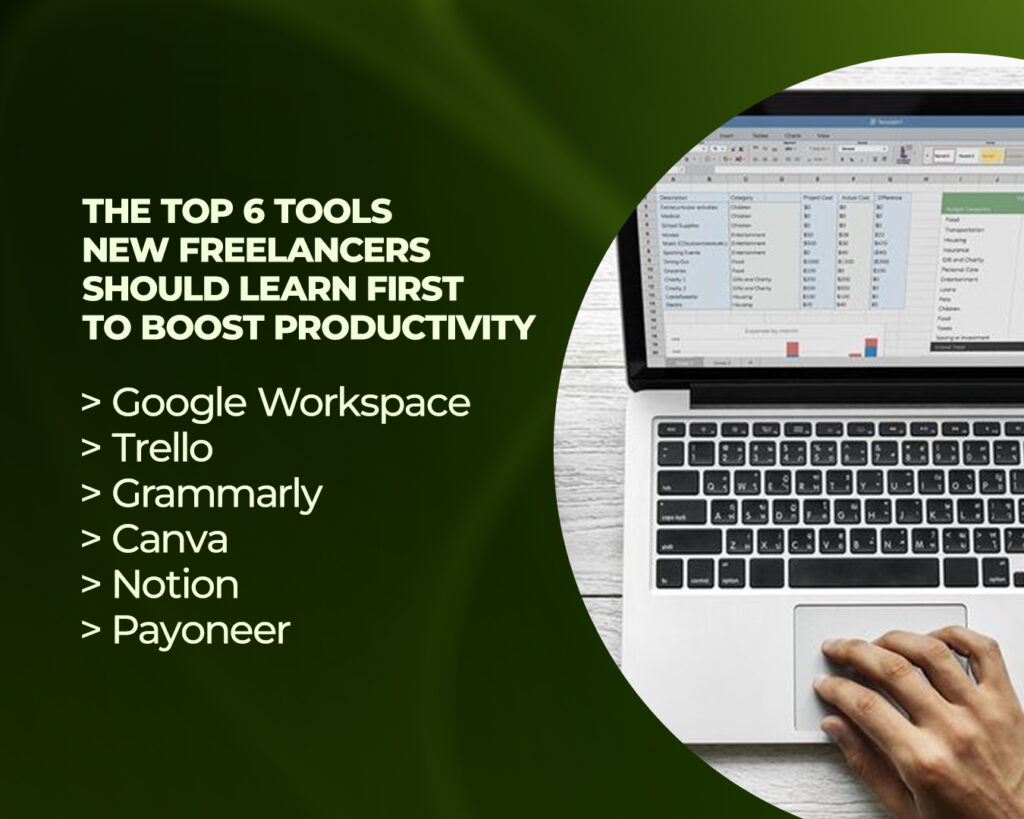
Below are the top 6 tools new freelancers should learn first to boost productivity:
1. Google Workspace
Google Workspace provides the core foundation for communication, document creation, and file storage. It includes Gmail for email, Google Docs for writing, Google Sheets for tracking, and Google Drive for saving everything in the cloud. Most freelance tasks, whether it’s sending proposals, writing blog posts, or storing client feedback, happen inside this toolset.
Freelancers use Google Docs to draft and edit content, Sheets to create work trackers or pricing calculators, and Drive to deliver final files. The real-time editing and sharing features simplify collaboration with clients, while Gmail keeps your communication professional and organised.
Google Workspace removes the need for desktop software. Everything runs in your browser or mobile app, and your files are always backed up. Whether you’re a writer, designer, or assistant, this is the base every freelancer needs from day one.
2. Trello
Trello is a simple but powerful task and project management tool that helps freelancers track what needs to be done, when it’s due, and what’s already complete. It works through boards, lists, and cards, giving you a visual system to organise every client or project in one place.
Each board represents a client, and each card inside it represents a task, deadline, or revision. Trello allows you to attach files, add checklists, set reminders, and leave comments all in one interface. Whether you’re handling one client or five, Trello keeps you on top of your workload without mental clutter.
It’s especially useful for freelancers managing recurring tasks, content calendars, or collaborative projects. Instead of jumping between notebooks, chats, and emails, Trello brings all your planning into a clean, central workflow.
3. Grammarly
Grammarly is a writing assistant that checks grammar, punctuation, spelling, and tone in real time. It works inside your browser, email, Google Docs, and even some social platforms. For any freelancer who writes, whether it’s an article, product description, proposal, or message, Grammarly keeps your work clean and professional.
The free version corrects basic grammar and spelling. The premium version gives advanced suggestions for clarity, tone, and sentence structure. But even the free plan is powerful enough to polish most client-facing content.
Freelancers use Grammarly to improve credibility and avoid careless mistakes. Submitting error-free work increases trust with clients and often shortens revision cycles. It also helps you sound clear and confident in emails, pitches, and contracts.
4. Canva
Canva is a design platform built for non-designers. It allows freelancers to create everything from social media posts and ad graphics to presentations, thumbnails, resumes, and digital products, all using drag-and-drop tools and ready-made templates.
Instead of hiring a graphic designer or learning complex software like Photoshop, you open Canva, choose a template, customise it, and export. Canva allows you to create visuals for clients or for your own brand. Freelancers offering services like Instagram management, YouTube channel support, and marketing content use Canva to deliver fast, high-quality visuals.
Canva runs smoothly on both desktop and mobile, making it one of the most flexible tools in a freelancer’s stack. Whether you’re creating a pitch deck or editing a client flyer, Canva lets you deliver polished results without needing graphic design experience.
5. Notion
Notion is a powerful all-in-one workspace that helps freelancers manage knowledge, track progress, and stay organised. It combines note-taking, database creation, calendars, and task boards into a single customizable interface.
Notion allows you to create client dashboards, store writing outlines, build content calendars, manage revision rounds, or track deliverables across multiple deadlines. Freelancers often set up Notion pages for each client or project, storing everything from meeting notes to deliverable checklists.
It’s flexible enough to replace several separate tools. Instead of using a different app for notes, tasks, and schedules, you do it all in Notion. Once set up, it becomes your control centre, keeping your work, ideas, and client data structured and accessible.
6. Payoneer
Payoneer is a global payment platform that lets freelancers receive international payments in USD, EUR, GBP, and other major currencies. It connects easily to platforms like Fiverr, Upwork, and PeoplePerHour, and allows direct payments from international clients.
Once a client sends a payment, Payoneer processes it and delivers the funds to your virtual account. From there, withdraw to your local bank or use the Payoneer card for purchases. This tool eliminates the delays, high fees, and restrictions that often come with traditional bank transfers.
Freelancers working across borders rely on Payoneer for fast, secure, and reliable payments. It’s the final piece in your tool stack, making sure you not only deliver your work but also get paid for it without friction.
Why These Tools Matter for New Freelancers
These tools matter for new freelancers because they give structure to your workflow and remove barriers that slow down growth. With the right toolset, you stop chasing tasks and start delivering results.
Google Workspace handles your documents and communication. Trello organises your projects. Grammarly improves your writing. Canva creates visual assets. Notion manages everything in one place. Payoneer ensures you get paid globally. When used together, they reduce overwhelm, speed up delivery, and help you appear more professional in every client interaction.
Most of these tools are free to start with. They work on both laptops and mobiles. They don’t require advanced skills. They’re the difference between guessing your way through freelancing and building a real, sustainable system.
What Tool Should You Learn First?
The tool to learn first is Google Workspace. It supports the most essential parts of freelance work, writing, emailing, storing files, and collaborating with clients. Every freelancer uses it, regardless of niche.
From there, your next tool depends on your service:
Writers focus on Grammarly to improve clarity. Social media managers move into Canva for visual content. Virtual assistants learn Trello and Notion to manage client tasks. Freelancers working with international clients set up Payoneer to receive payments smoothly.
Start with one, learn it fully, then move to the next. Your workflow will grow stronger one tool at a time.
Where to Learn These Tools for Free
Learn these tools for free through YouTube tutorials, help centres, and practice.
Search for role-specific videos like “Trello for freelancers” or “Using Canva for social media.” Each platform also provides official guides and templates to help you get started. Freelance groups on Facebook and Reddit share tips, while creators on TikTok and LinkedIn post quick tool demos.
The fastest way to learn is by using the tools on a sample project. Practice builds confidence.
FAQs
Do I Need All Six Tools to Start?
No, you do not need all six tools to start. Begin with two or three, based on your service, then add more as your workflow expands. Freelancing is about building systems, not stacking software. Use what helps, ignore what doesn’t.
Do These Tools Work Without a Laptop?
Yes, these tools work well on smartphones. Google Docs, Gmail, Trello, Canva, Grammarly, Notion, and Payoneer all have mobile apps. Many freelancers run their entire business from their phone, especially in countries where laptops are less accessible.
What If I Feel Overwhelmed by Tech?
If you feel overwhelmed by tech, pick one tool and learn it well. Don’t try to learn everything in one day. Set aside 30 minutes each day to explore, practice, and apply. Progress happens through small, consistent action.
Conclusion
The top 6 tools new freelancers should learn first are Google Workspace, Trello, Grammarly, Canva, Notion, and Payoneer. Each one supports a key part of your workflow: writing, task tracking, design, planning, and payments.
Together, they help you work faster, stay organised, and deliver professionally. If you want to earn more and stay consistent, start with these tools.
Having difficulty freelancing on Upwork? Get the Upwork Millionaire Blueprint course today